Android
Chrome, Edge or Samsung Internet.
Install GridMarshal on Android or iPhone from the browser, with no app store.
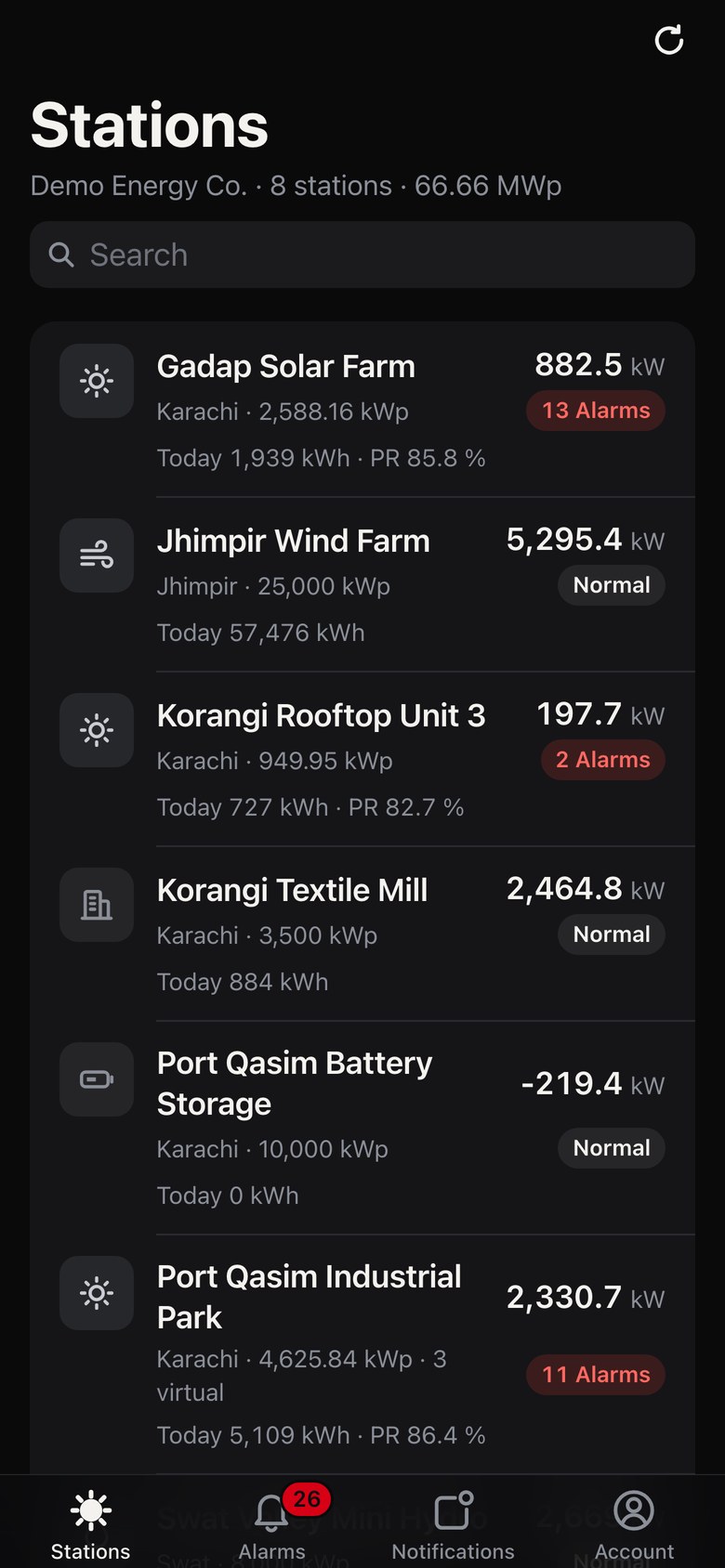
The numbers you check first, on the phone you carry to site.
GridMarshal installs straight from the browser and opens like any other app.
Go to your GridMarshal address in the browser and sign in.
Tap the browser menu.
Choose Install app or Add to Home screen, then confirm.
Open it from the home screen and allow notifications.
Go to your GridMarshal address and sign in.
Use the Share button in the Safari toolbar.
Choose Add to Home Screen, then tap Add.
Open it from the home screen and allow notifications.
On iPhone, push alerts work once the app is added to the Home Screen and opened from there.
The alarm reaches the phone of the person who owns it.

The app follows each person's role and the plants they are given.
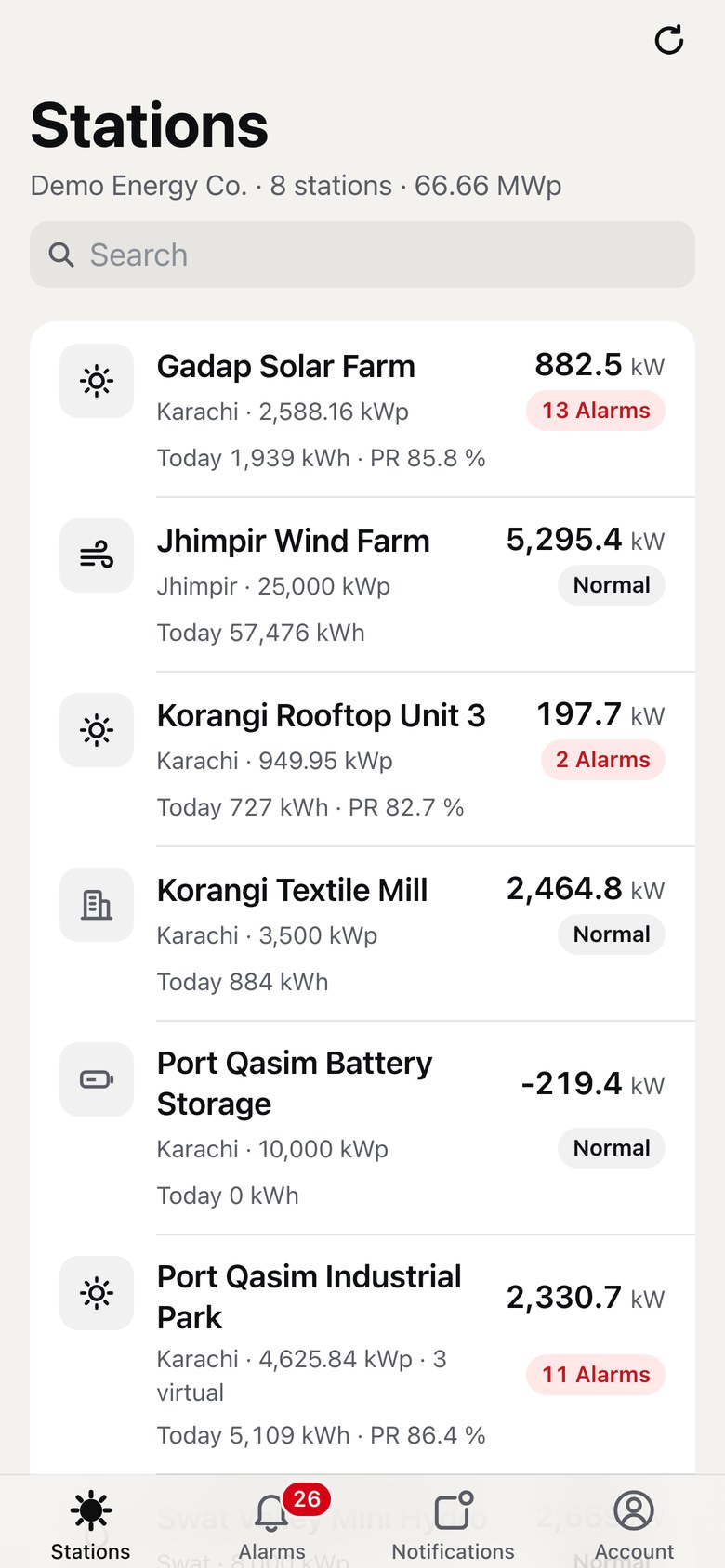
One account on desktop, tablet and phone.
Chrome, Edge or Samsung Internet.
Safari on iOS 16.4 or later, added to the Home Screen.
The platform in the web browser on a computer or tablet.
The same account and the same plants as on the desktop.
Each person sees only the plants their role allows.
How access works across the platform.
Short answers to what teams ask first.
No. You install GridMarshal from the browser on your phone and it opens from the home screen like any other app.
Android phones with Chrome, Edge or Samsung Internet, and iPhones on iOS 16.4 or later using Safari.
Add GridMarshal to the Home Screen, open it from there and allow notifications. Push alerts on iPhone need all three.
No. Technicians see CO2 avoided and trees instead of earnings, on the phone and on the desktop.
A walkthrough of GridMarshal on the desktop and on the phone.