A power plant operations company, based in Pakistan
PlatformPlatform overviewMonitoringAlarms and performanceOperations and maintenanceReports and financePhone appIntegrations
ServicesOur servicesSetup and onboardingMonitoring service
SolutionsO&M companiesPlant ownersIndustrial sitesInvestorsPlant types
CompanyAbout GridMarshalSecurityFAQContact
Book a demo
04 Fix

Own every job.

Tickets, tasks, site visits and spare parts in one place, with a record of every job.
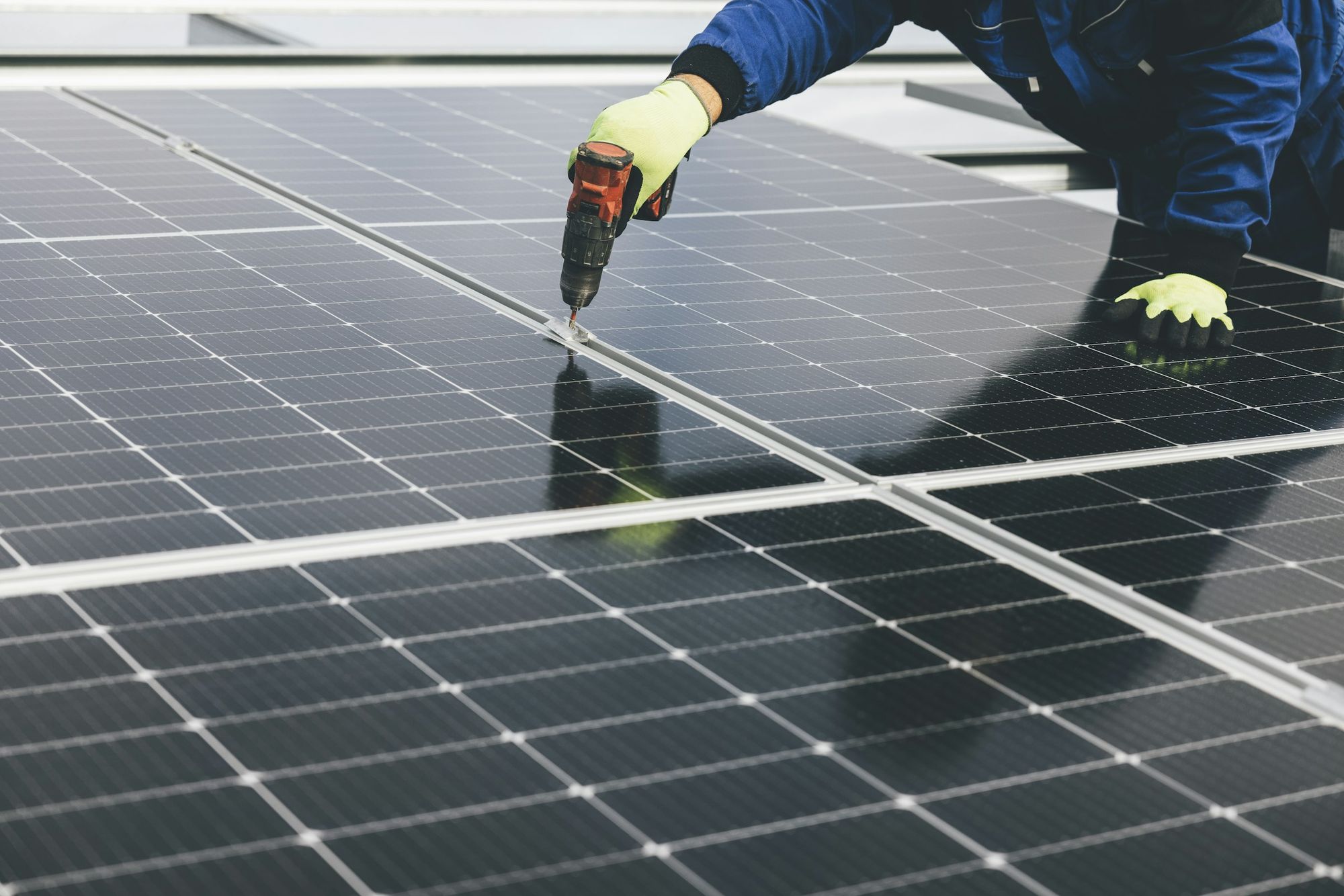
A gloved technician working on a solar panel
Tickets

Every fault gets a name and a number.

Each ticket says what broke, who owns it and what it cost, so no work order is lost in a chat.

  • A wizard to open a ticket in a few steps
  • A workflow from open to closed
  • Energy loss recorded on each ticket
  • Linked to the plant it belongs to
An engineer in a hard hat and safety vest at a solar plant
Workflow

One owner on every ticket.

A workflow from open to closed, with one owner and the energy lost on record.

  • A workflow from open to closed
  • One owner, so everyone knows who is on it
  • Energy lost recorded on the ticket
  • A wizard to open a ticket by hand
Tasks

Planned work, not just repairs.

Tickets handle what broke, and tasks handle what keeps it from breaking.

Templates

Write a task once. Use it on every plant that needs it.

Recurring tasks

Visits that repeat, on the schedule you set.

Gantt view

Every task across the fleet on one timeline.

Recurring visits

Plan the year's visits.

Set each visit once, then watch the whole year on the Gantt view.

Module cleaningInverter inspectionVegetation controlTransformer checksBattery container checksTurbine service

Examples of visits teams set up as recurring tasks.
A biomass power plant with its chimney and buildings
Spare parts

Know what is on the shelf.

A spare-parts inventory next to the work, so a fix is not held up by a missing part.
  • One inventory for the parts you keep
  • Next to tickets and tasks in the same platform
  • No separate spreadsheet to keep in step
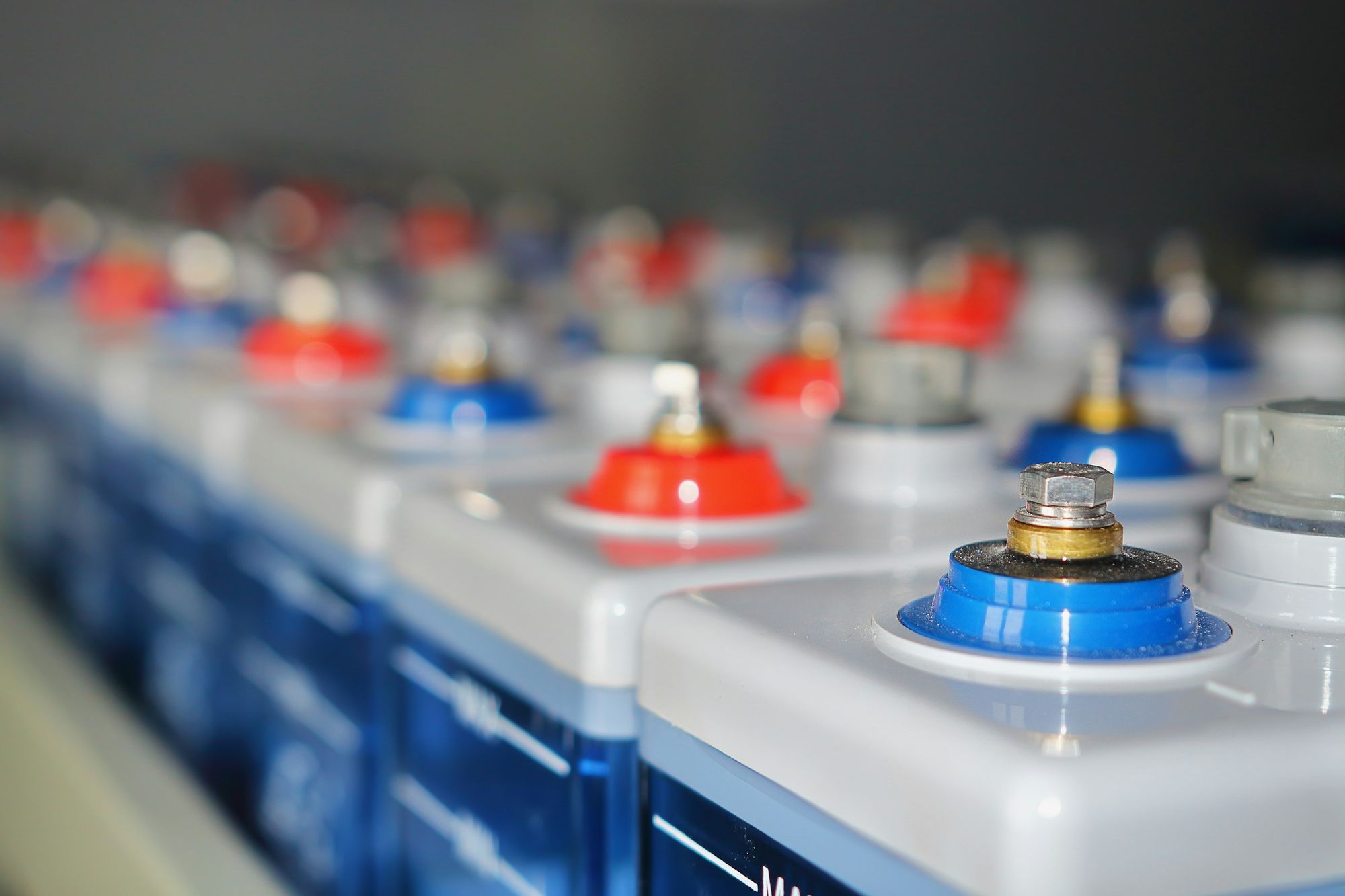
A close-up of battery cells in rows
The right technician

The alert goes to the person who can fix it.

Each user only sees the plants they are given, so alerts stay with the people on those plants.

On the right channel

E-mail, Telegram or phone push, whichever the technician uses.

On their phone

Alarms, notifications and production in the phone app, on site.

Only what they need

Technicians see alarms, tickets and tasks. Never earnings.

About the phone app
The record it leaves

Proof of every job.

When a client or owner asks what happened, the answer is already written down.

  • Who opened it, who owned it and when it closed
  • Energy lost while the fault was open
  • Every task planned and done, plant by plant
  • Ticket and task reports as PDFs for the client
  • An event log of changes in the platform
Questions

Operations, answered.

What maintenance teams ask before they move work off chat apps.

Can technicians use it on site?

Yes. The phone app installs on Android and iPhone, with push notifications for alarms.

Do technicians see what a plant earns?

No. Technicians see alarms, tickets and tasks. In the phone app they see CO2 avoided and trees instead of earnings.

Can tasks repeat on their own?

Yes. Recurring tasks repeat on the schedule you set, and every task shows on the Gantt view.

Can I send the client a record of the work?

Yes. Tickets and tasks have their own PDF reports. Reports and finance

See it with your team

Put every job on record.

A walkthrough of tickets, tasks and spare parts, built around how your team works.